Reset the
racket wall
the same way.
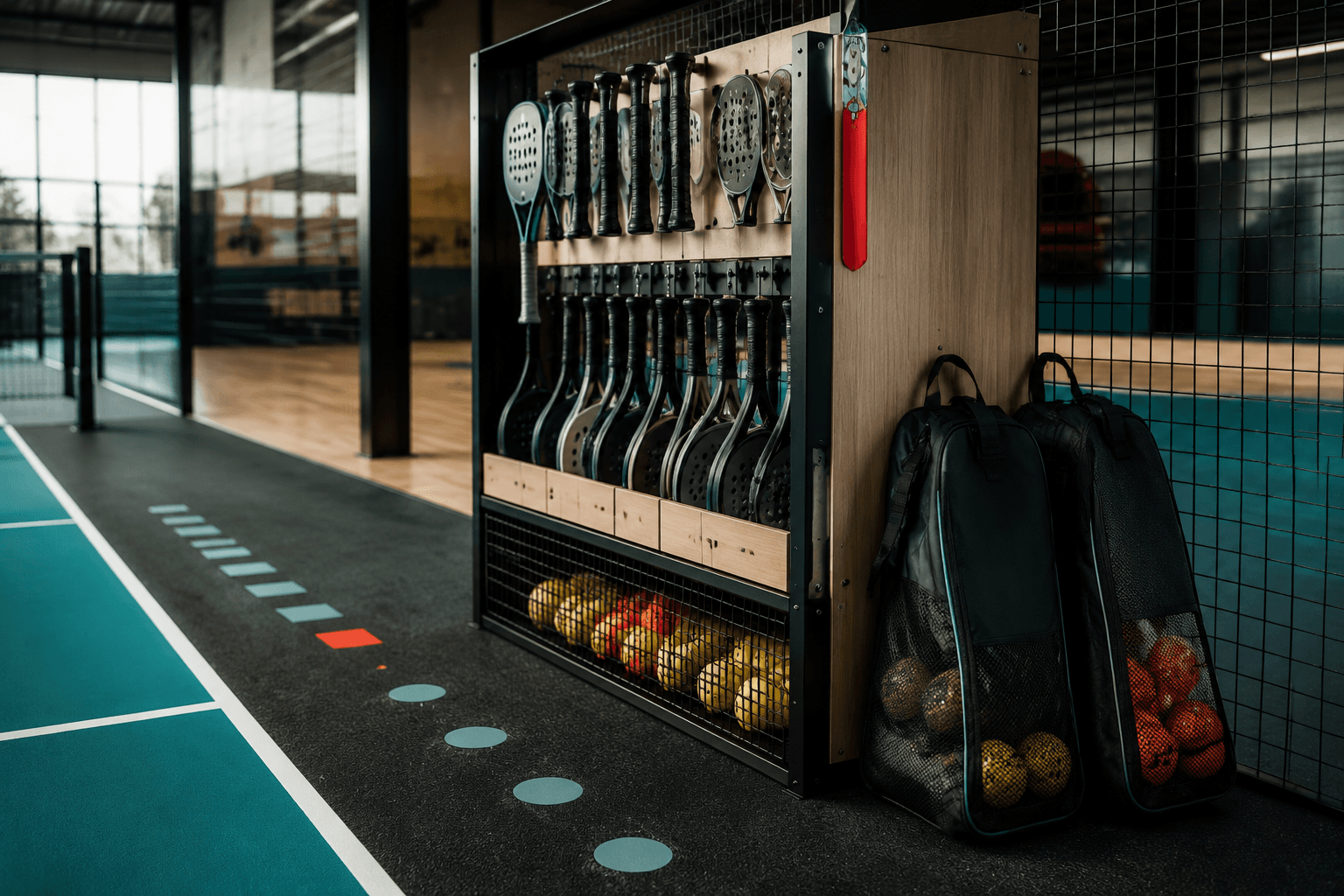
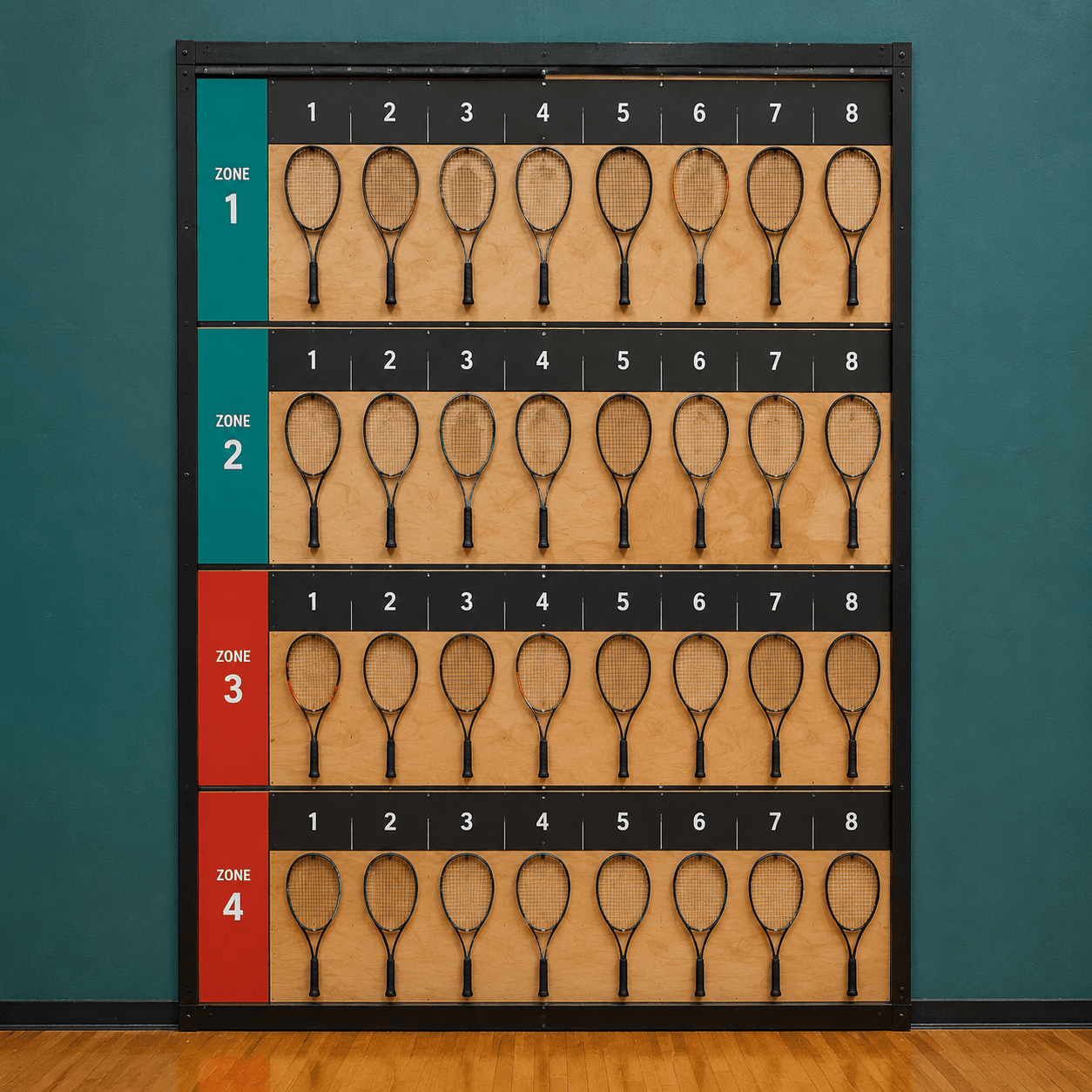
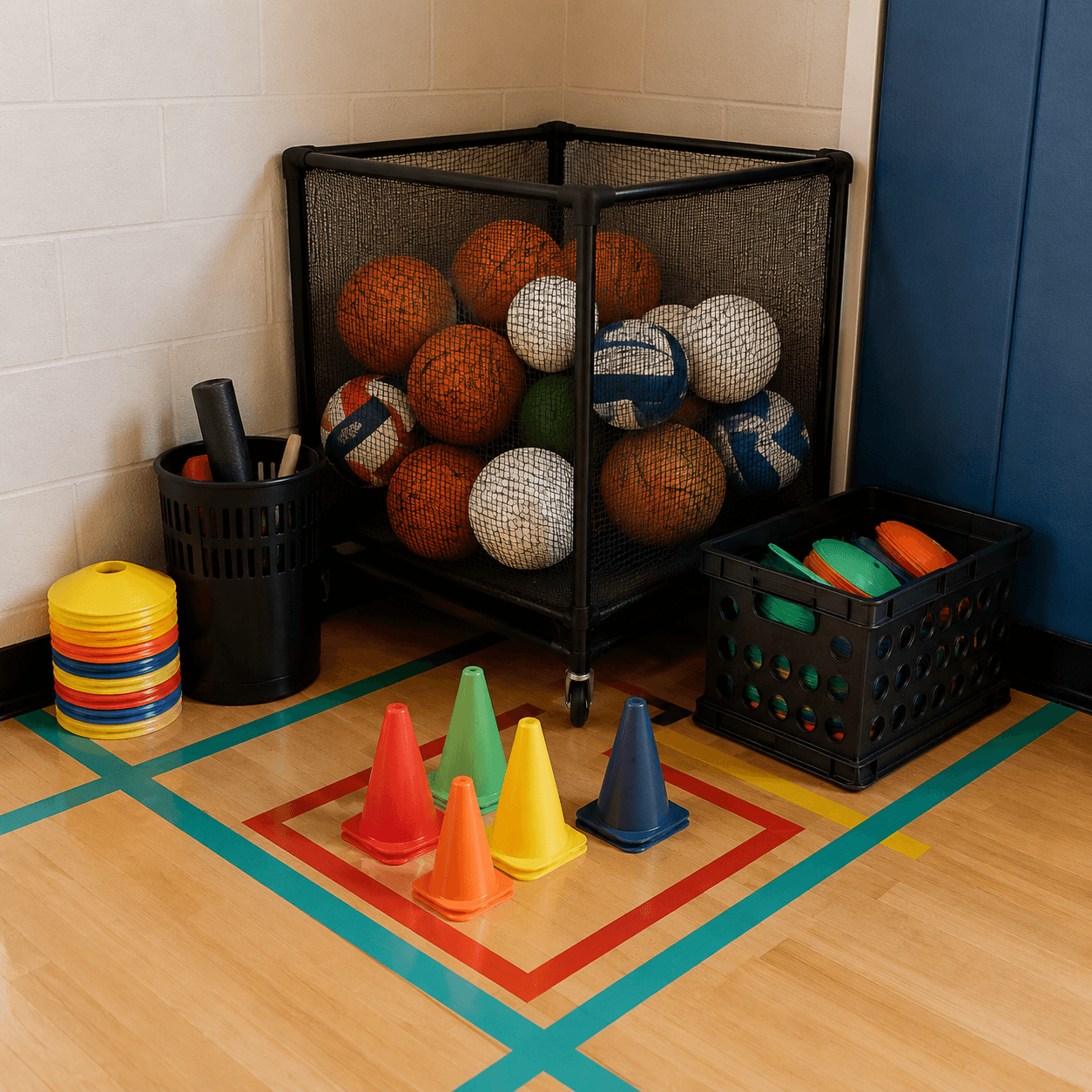
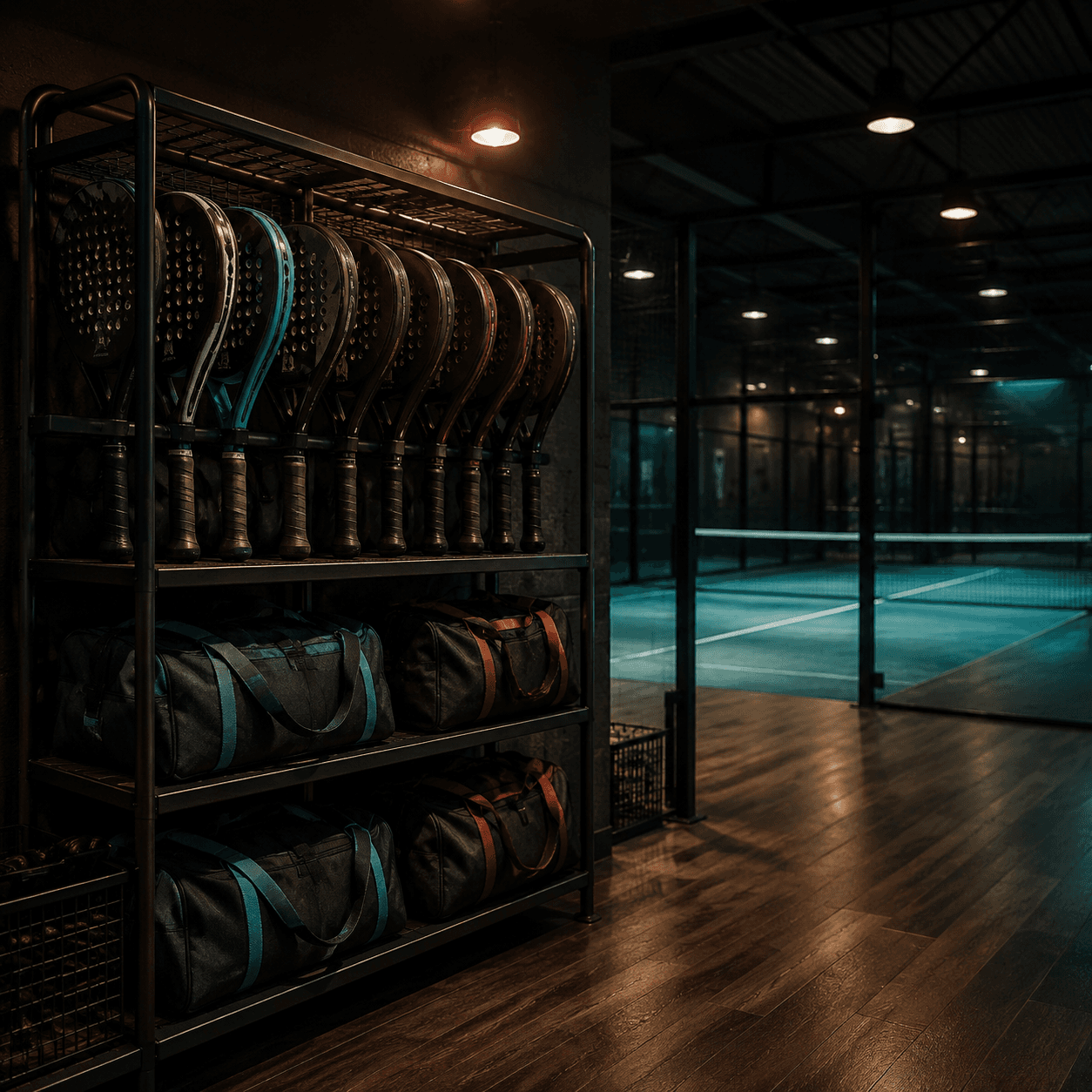
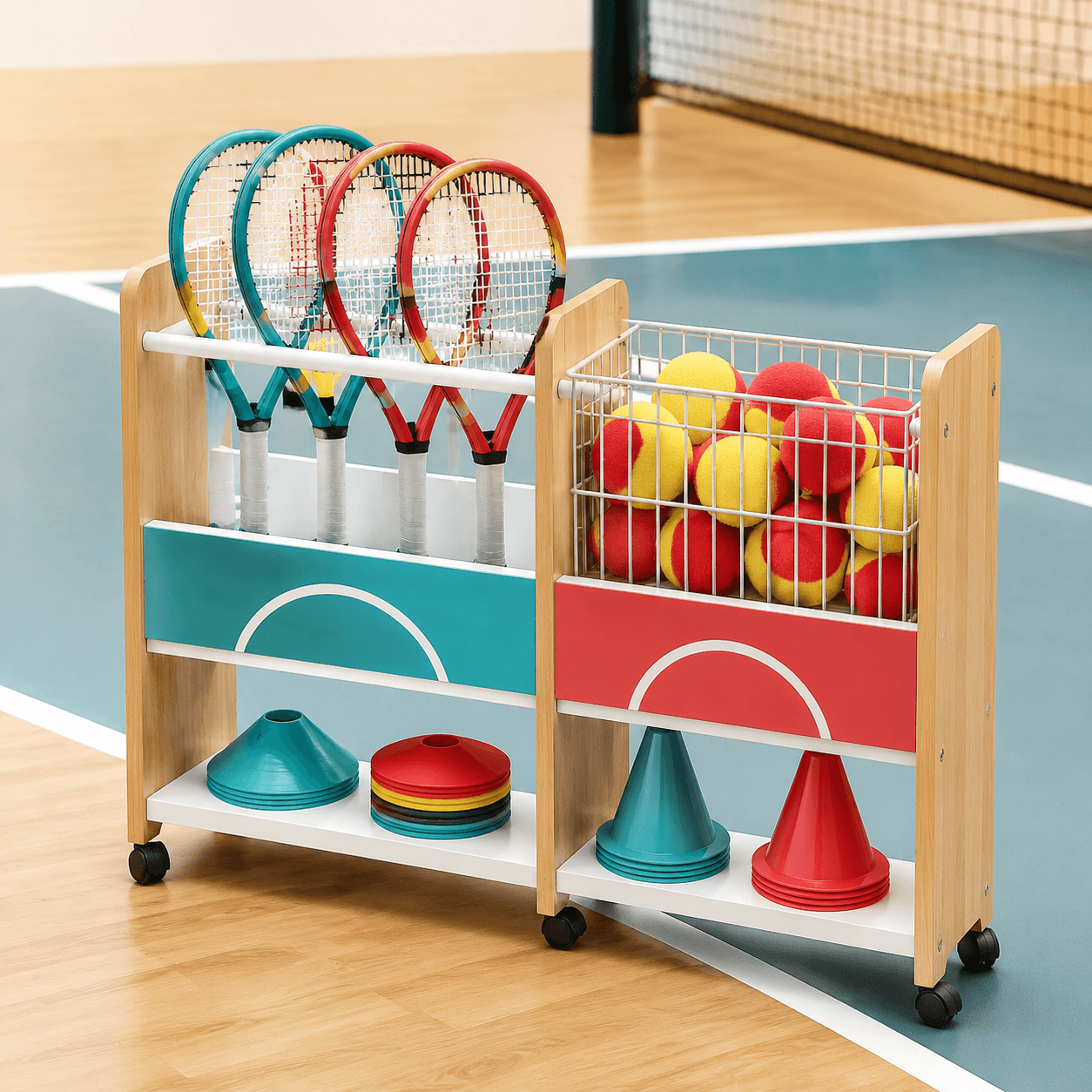
BRT Racket Rack Visual Studio turns a few inputs — sport, wall width, bag count, colour and club use — into a court-side display board. Plan the vertical racket wall, the ball basket corner and the club kit before you touch a single rail.
- Output
- Display board
- Delivery
- Digital file
- Priced in
- USD ($)
Next: how the builder maps your inputs into a board ↓
01 · WHAT THIS IS
A visual studio, not a shop.
BRT SPORTS SUPPLIES LIMITED runs this studio as a digital design tool. You describe a court-side setup and the studio composes a display board image and a zoned layout you can share with a club or a fitter.
We do not hold or ship physical stock, and we do not offer training plans, injury prevention, medical advice or protective-equipment certification. Boards are visual planning references only, delivered as digital files and priced in USD.
02 · HOW THE BUILDER WORKS
Five inputs. One board.
Set the inputs
Pick sport, wall width, bag count, colour zone and club use. Every field maps to a slot on the board.
Studio composes
The gpt-image-2 studio lays out racket rails, basket footprint and kit bays into a single labelled board.
Download & reset
Export the board with its zone labels so the club can reset the wall the same way every session.
03 · BOARD LIBRARY
Four starting boards.
DIGITAL DELIVERY
Boards are delivered as digital image files. No physical items are shipped and no stock is held.
AI DISCLOSURE
Every board is generated with the gpt-image-2 model. Images are design references, not photographs of real inventory.
PAYMENTS
Checkout is not live yet — payment provider pending. Pricing is shown in USD ($) for planning only.
04 · START A BOARD